
Evidence
How to test tracking after Reject all
Compare requests, cookies, and the saved choice before rejection, after the click, and after reload. A worked synthetic example shows what each observation can tell you.
A repeatable manual test
- Start clean. Use a fresh browser profile or isolated test context on a website you are authorized to examine. Note the exact page, time, browser, viewport, locale, network location and privacy settings.
- Record the first load. Open the Network panel before navigation. Enable Preserve log so reload does not erase the earlier requests. Record the banner, cookie names and consent-related storage before clicking anything.
- Choose Reject all. Note the exact label and click time. If it takes a preferences screen and Save, record that sequence. Use an explicit observation window; start with three seconds, then extend it for known timers or interactions.
- Reload in the same context. Keep its storage. Check whether rejection persists and whether the same optional destination or identifier appears again. Keep each time window separate from the earlier requests preserved in the log.
- Run an acceptance comparison. In a different fresh context, repeat with Accept all. Compare the same destination and cookie names. An endpoint absent in both branches may never have been triggered.
- Write a bounded conclusion. State what you saw, what you did not test and the next question for the website owner. Save screenshots and a sanitized request record; keep credentials, cookie values and personal data out of shared evidence.
Chrome’s documentation explains Preserve log in Network and Application → Storage → Cookies. Other browsers provide similar inspection tools. You can organize a saved recording with our free HAR hostname analyzer and review worksheet.
SYNTHETIC EXAMPLE · OBSERVED OCTOBER 28, 2026
What changed on Brightleaf?
We manually checked our Brightleaf demonstration website in two fresh Chrome contexts. This is a new browser check of our fixture, separate from the October 3 saved Watch scan shown in the sample report.
The table counts attempted requests to one known synthetic analytics endpoint:
preview.kibawatch.com/__demo/telemetry/analytics/collectThese counts do not include all network traffic.
Fresh visitor → Reject all
| Moment | Saved choice | Demo requests | Demo cookie |
|---|---|---|---|
| Before choice | None | 0 | Absent |
| After choice | rejected | 0 | Absent |
| After reload | rejected | 0 | Absent |
Separate fresh visitor → Accept all
| Moment | Saved choice | Demo requests | Demo cookie |
|---|---|---|---|
| Before choice | None | 0 | Absent |
| After choice | accepted | 1 | Present |
| After reload | accepted | 1 | Present |
The rejection branch retained brightleaf_consent in a cookie and local storage. That preference record is different from the optional demo_analytics cookie. Google Fonts and a Cloudflare performance request still appeared before choice and after reload in both branches. Their configuration and purposes need a separate review; these results do not mean that all requests stopped.
For the next step, see our policy-versus-behavior comparison. It includes a separate later withdrawal test and a free ten-step website privacy review checklist.

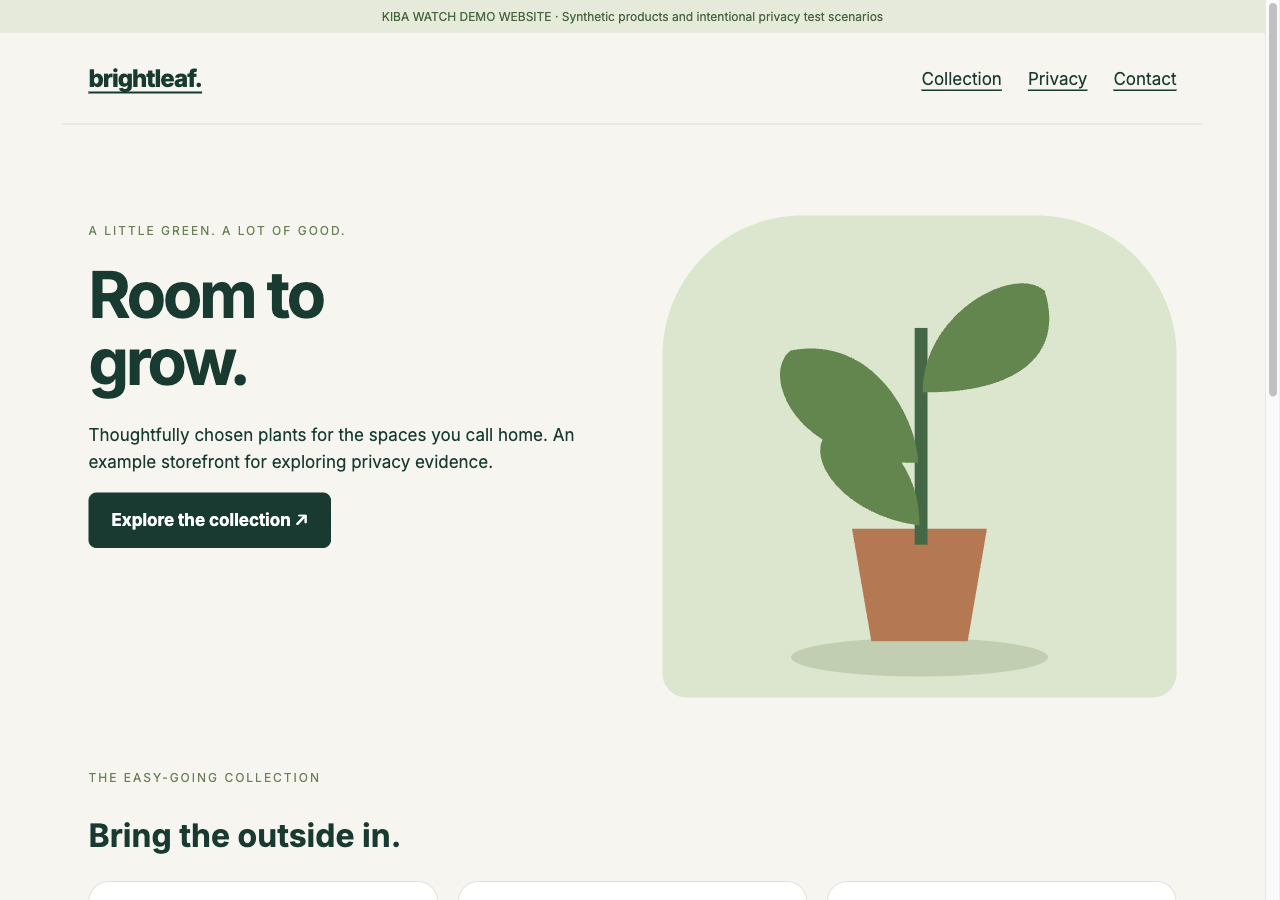
Capture conditions and reusable observations
Chrome 156.0.8078.48; 1280 × 900 viewport; en-US; America/Denver timezone; no Global Privacy Control signal reported; fresh context for each branch. The timezone does not establish the network location, which was not independently verified.
The first window includes navigation and load followed by three seconds. The after-choice and reload windows each include a three-second observation. No request failures were observed. This covers one page and no signed-in journey, scrolling, delayed events, other regions or later preference withdrawal. Request observation does not establish what a server stored. Screenshots and browser-state reads are close in time, not atomic snapshots.
Download the sanitized observation record (JSON)See the workflow in 34 seconds
Real recordings of the synthetic Brightleaf website, followed by saved Watch evidence and a reviewer decision. Silent, with on-screen explanations.
Read the demo transcript
- Compare behavior after Reject all.
- On our synthetic fixture, rejection persists through reload. The named demo analytics request is absent in this short window.
- A separate Accept all test produces the demo request after the choice and reload. Other network activity still needs review.
- Open the saved Watch evidence and capture context. This footage shows the October 3 scan, not a newly generated scan of today’s browser test.
- Keep a human decision with the original evidence. A recorded decision is not a compliance certification.
- Read the observations and explore the public sample before starting your own authorized website review.
Check the request, not just the banner
A banner disappearing tells you the interface changed. Check the related requests, cookie names and storage state to learn what changed behind it. A request can still be sent without a cookie, and a cookie may simply remember the rejection. Identify a destination and confirm its purpose with the site owner before calling it optional analytics or advertising.
Keep the comparison fair
Keep URL, browser version, viewport, locale, network location, cache settings and observation time consistent. Record browser tracking protection, extensions, global privacy signals and whether you are signed in. A fresh profile avoids an earlier choice carrying over. Do not clear storage between the reject and reload steps: persistence is exactly what that step tests.
Test more than the first click
Repeat in a separate fresh profile with Accept all as a comparison. If the same analytics endpoint never appears in either branch, check blockers, errors and whether the page triggers it at all before crediting the rejection. For an established visitor, test Accept all, reopen the site's preferences, reject optional purposes, then reload again. Our worked example tests fresh-visitor rejection and acceptance; it does not test that later withdrawal flow.
Turn an observation into a review
Record the exact destination or cookie, when it appeared and which choice preceded it. If activity needs investigation, keep the evidence with a question for the website owner: what triggers this request, what data does it contain, and what purpose applies? Capture consent configuration, inspect the tag and retest under the same conditions. A changed request count is a lead for review, not a legal conclusion.
Preserve the limits
A short browser test cannot see every delayed event, geographic variant, cross-page journey or server-to-server disclosure. A blocked or partial capture cannot support the same conclusion as a successful one. Screenshots, storage reads and requests are sampled at nearby times; they are not an atomic snapshot of everything the site did. Keep uncertainty next to the result instead of treating missing observations as proof of absence.
Keep the evidence with the next step.
Explore the synthetic sample report, then try your own authorized website. The seven-day trial includes three basic scans and summaries; detailed evidence and exports require a paid plan.
Start your 7-day trial →Continue your website privacy review
Explore a sample website privacy report · Use the free review checklist · Compare Watch pricing and trial limits